ONBOARD002 — Quick Start: Completing Your Company Profile
Last updated: August 26, 2026
Overview
To comply with standard banking regulations, Xtrm requires all companies to complete their profile information. Completing your profile increases your account's transfer limits and enables essential payment capabilities.
Receiving vs. sending at a glance
Receiving only | Sending & receiving (remitter) | |
|---|---|---|
Required | Identity Profile (IDL) Basic Profile | Identity Profile (IDL) + Advanced Services application |
Approval time | No compliance review required | Up to 48 hours (US) / up to 2 weeks (international) |
What it enables | Receive inbound payments; transfer funds out; higher transfer limits with a more complete profile | Everything above, plus outbound payouts via ACH, wire, cards, and digital gift cards; wallet funding; API access |
Advanced Services is not required to receive payments. It is required to fund wallets, and send payments.
Completing your Identity Profile (IDL)
Every company completes this step, regardless of path.
Log in to xtrm.com as a Master Admin or Controller.
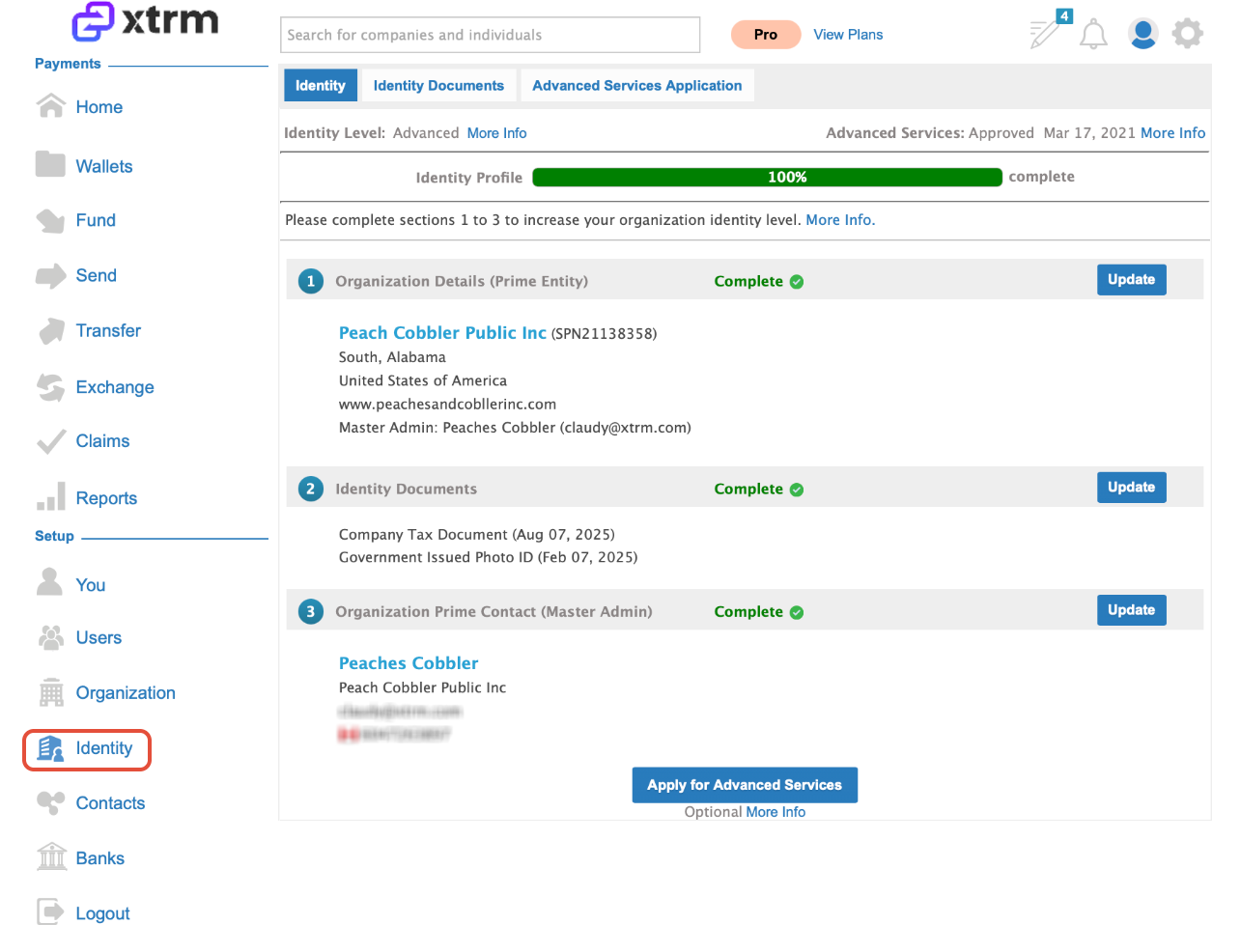
Select Identity in the left-hand menu.
Complete each section using Update until all are marked Complete — corporate address, tax identification details, and business contact information.
Save your changes.
A more complete profile automatically raises your account's transfer limits.
If Your Company Sends & Receives Funds (Remitters)
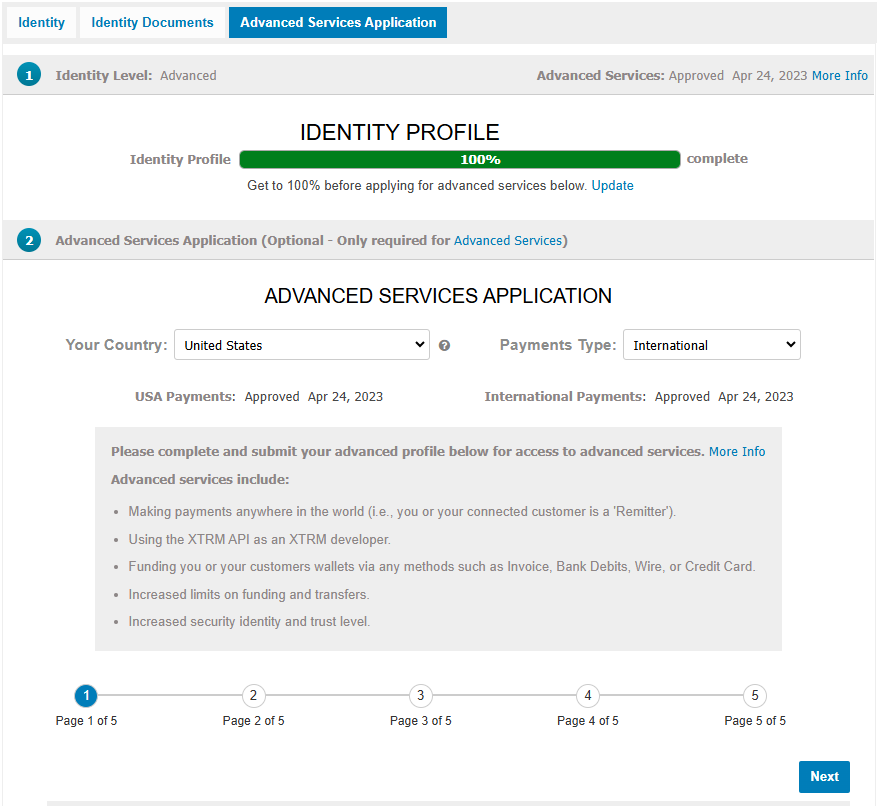
To send payouts to partners, contractors, or customers, complete your Identity Profile (IDL) and submit an Advanced Services application.
Complete your Identity Profile (IDL) — the steps in Option A above. The application is only accessible once your profile is complete.
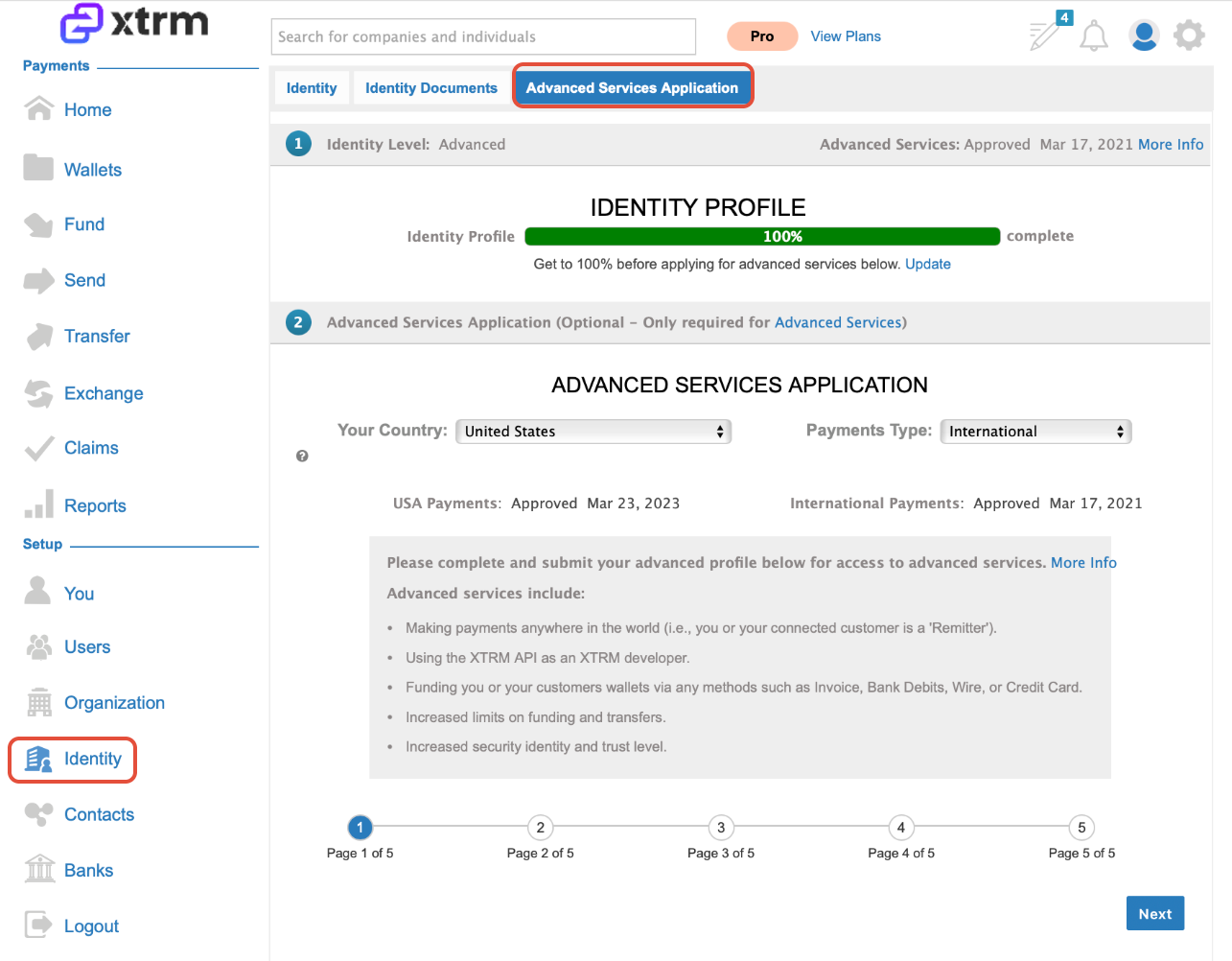
Find the Advanced Services Application prompt, on either your Home dashboard or your Identity page.
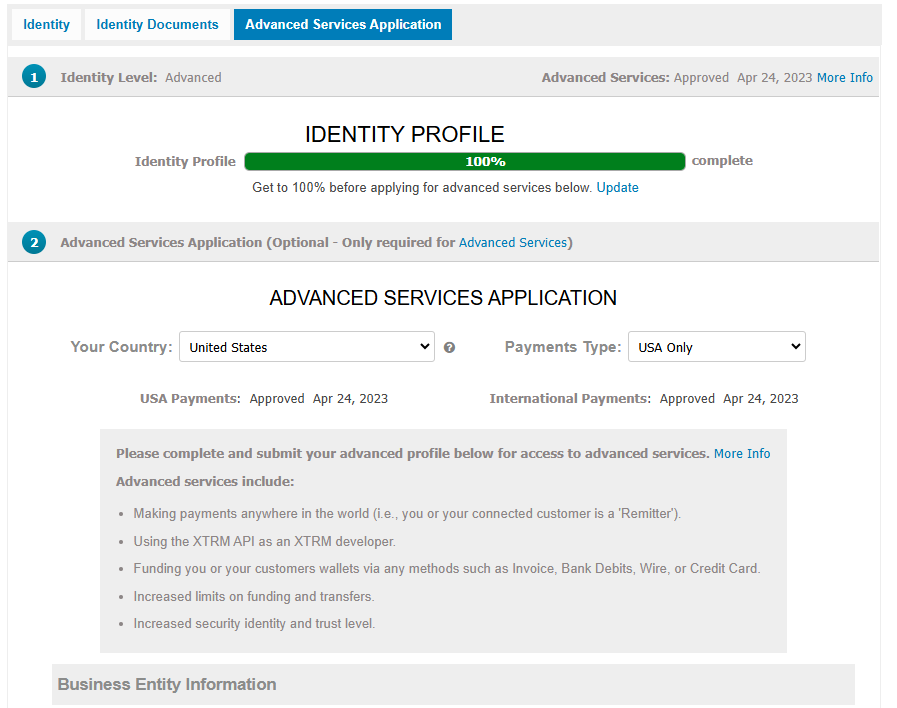
Select your coverage scope:
USA payments only — domestic transactions.
International payments — domestic and cross-border transactions.
Submit your application for compliance review.
Want to see it first? Click through the interactive demo of the Advanced Services application
Home Page

Identity page
Approval timelines
USA applications — up to 48 hours. These require less information.
International applications — up to 2 weeks, depending on your company structure, geography, and business model.
Approval is confirmed by email, and your account status in Settings updates to Approved. Compliance may request additional information during review.
USA Payments Only
USA & International payments