SECURITY010 — Approval Policies
Last updated: September 1, 2026
Approval policies can be used if your internal security and compliance policies require you to have one, or if you require your users to approve certain transactions. This is sometimes known as maker/checker or secondary approval. Approval policies let you designate makers and checkers (approvers) for 6 types of transactions:
Create Wallets
Link Bank for Bank Transfer
Link Bank for Rapid Bank Transfers (USA only)
Transfer to Bank
Wallet-to-Wallet Move
Mass Payment
Create Wallets
This policy is entity-specific — you can only create one "Create Wallet" policy per entity. You can designate one or more users able to approve the creation of a new wallet; those users must be part of the selected entity.
Link Banks for bank transfer (all countries)
This approval policy applies to linking banks to your account for the purpose of transferring money out of your wallets. You can create one "Link Bank" policy per entity, with one or more users able to approve linking a bank. Those users must be part of the selected entity.
Link Debit Cards for rapid bank transfer (USA only)
This approval policy applies to linking a debit card to your account for the purpose of transferring money out of your wallets using Rapid Bank Transfer (USA only). You can create one "Link Debit Card" policy per entity, with one or more users able to approve linking a debit card. Those users must be part of the selected entity.
Transfer to a linked bank
This approval policy is used when secondary approval is required for transferring money out of your wallets and into your bank accounts. It's entity-specific. There are 3 levels (ranges) of transfer amounts you can set, and for each range, you can designate users as checkers (approvers). The highest amount is the overall maximum that can be transferred.
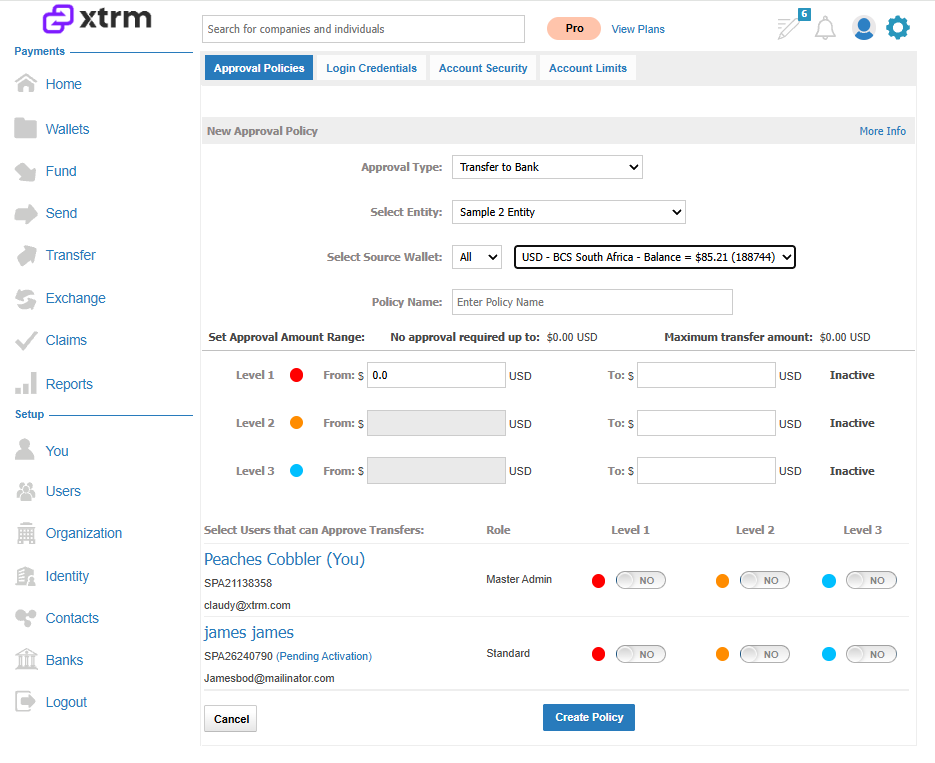
Mass Payment
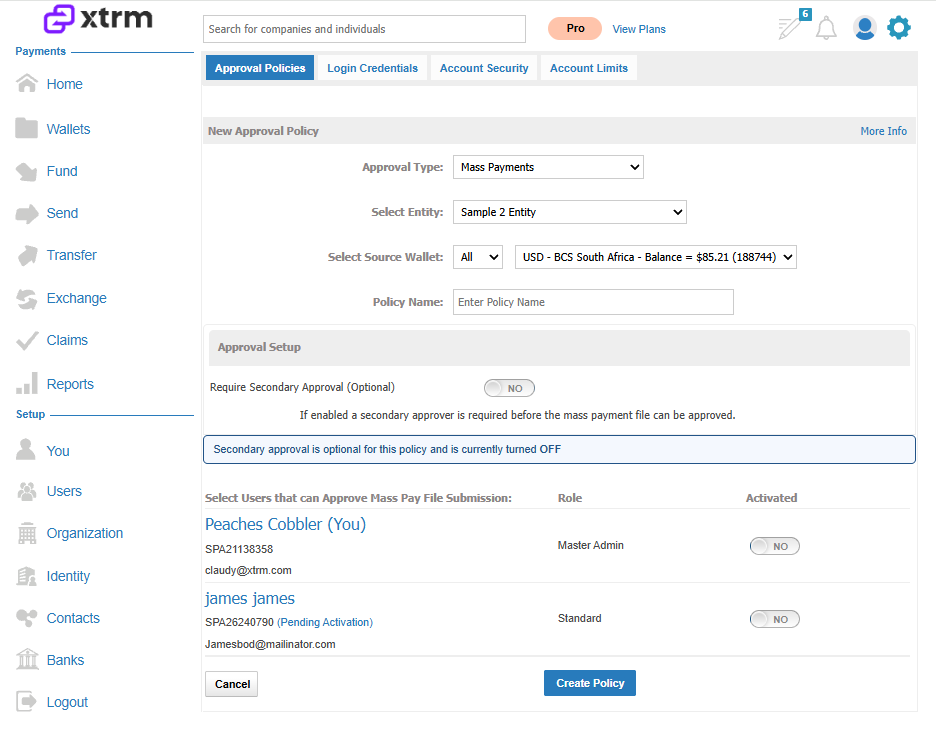
The Mass Payment secondary approval policy adds a layer of control for bulk file submissions. It's configurable at the entity level and is wallet-specific, letting you designate users who must approve Mass Payment files prior to submission.
Wallet-to-Wallet Move
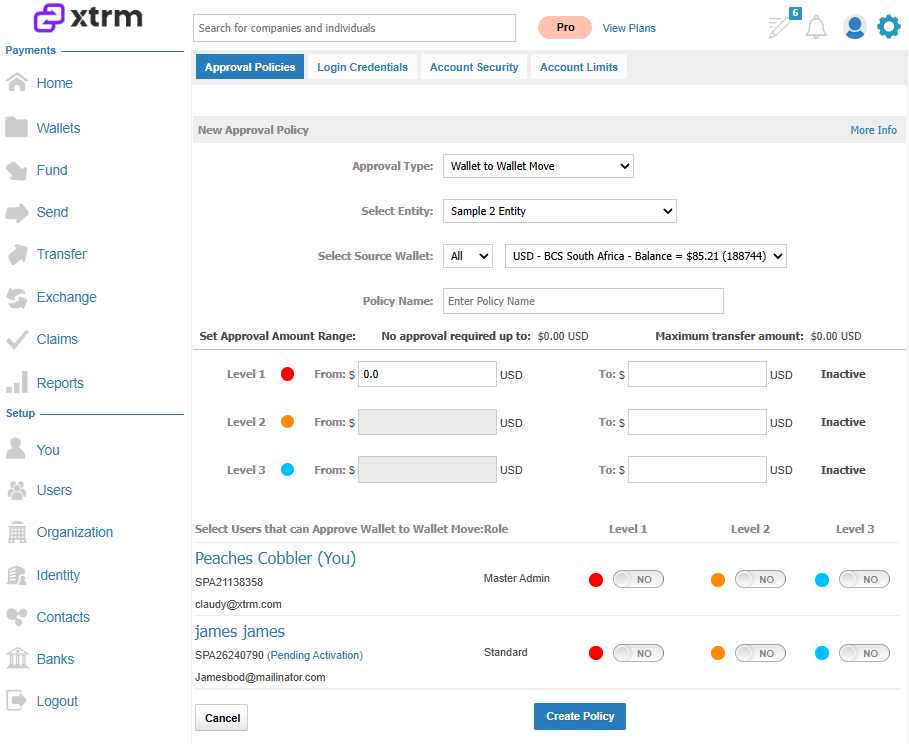
This entity-specific policy adds a layer of security by enabling secondary approval for moving funds between wallets, ensuring controlled movement of funds by requiring designated users to approve transfers based on amount thresholds.
Approval thresholds (Transfer to Bank and Wallet-to-Wallet Move)
The following level definitions apply to both Transfer to a Linked Bank and Wallet-to-Wallet Move approval policies:
Level 1 Minimum — The amount up to which no secondary checker approval is required. This is typically 0.01, meaning all transfers require secondary checker approval by default. If set to, for example, $500 USD, transfers below that amount won't require any secondary checker approval.
Level 1 Maximum — The maximum amount that can be approved by users selected for Level 1 approval. If no other levels are active, this is the absolute maximum that can be transferred by anyone from the selected wallet.
Level 2 Minimum — The minimum amount at or above which a Level 2 approver can approve.
Level 2 Maximum — The maximum amount at or above which a Level 2 approver can approve. If no other levels are active, this is the absolute maximum that can be transferred by anyone from the selected wallet.
Level 3 Minimum — The minimum amount at or above which a Level 3 approver can approve.
Level 3 Maximum — The maximum amount that can be approved by users selected for Level 3 approval. This is the absolute maximum that can be transferred by anyone from the selected wallet.
Payment file approval workflow and configuration options are available at the entity and wallet levels.
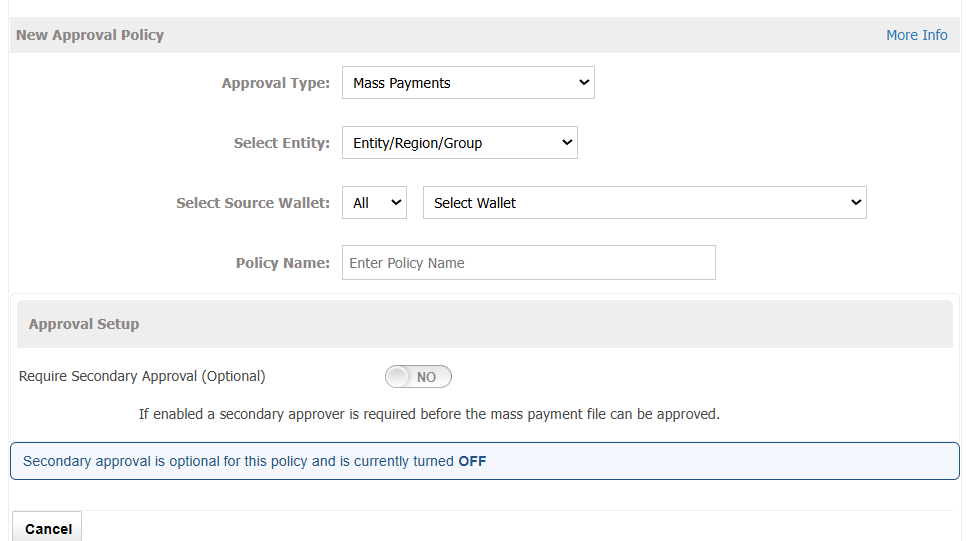
Approval policy configuration
Approval policies can be configured as:
A single approver, or
A single approver plus a secondary (optional) approver
This lets organizations define approval requirements based on their internal control processes.
Payment approval process flow
A user submits a payment file.
An email notification is sent to the designated approver(s).
If a single approver is configured, that approver can approve the file and processing proceeds.
If a secondary approver is enabled, both approvers must approve the file before it can be processed. Approvals can be completed in any order.
Configuration notes
Approval policies are configured at the entity and wallet level.
Separate policies are not required for each program within an entity or wallet.
This ensures consistent approval behavior across all programs linked to the same entity or wallet.