CONMANAGER001 — Connected Manager: Link a Bank Account for a Connected Company
Last updated: August 28, 2026
Overview
Connected Manager Accounts enable enterprise administrators to manage and configure payment options on behalf of connected sub-entities. This guide explains how a Manager Account administrator can link, verify, and manage bank accounts for a Connected Company to streamline direct funding, bank transfers, and payout disbursements.
Prerequisites Before Bank Linking
Connected Manager Account Permissions: Connected Manager Services must be configured and Linking a Bank capability should be turned on, for assistance email support@xtrm.com.
Connected Company Verification: The Connected Company must have its profile completed to and have passed initial identity/business compliance checks (KYB).
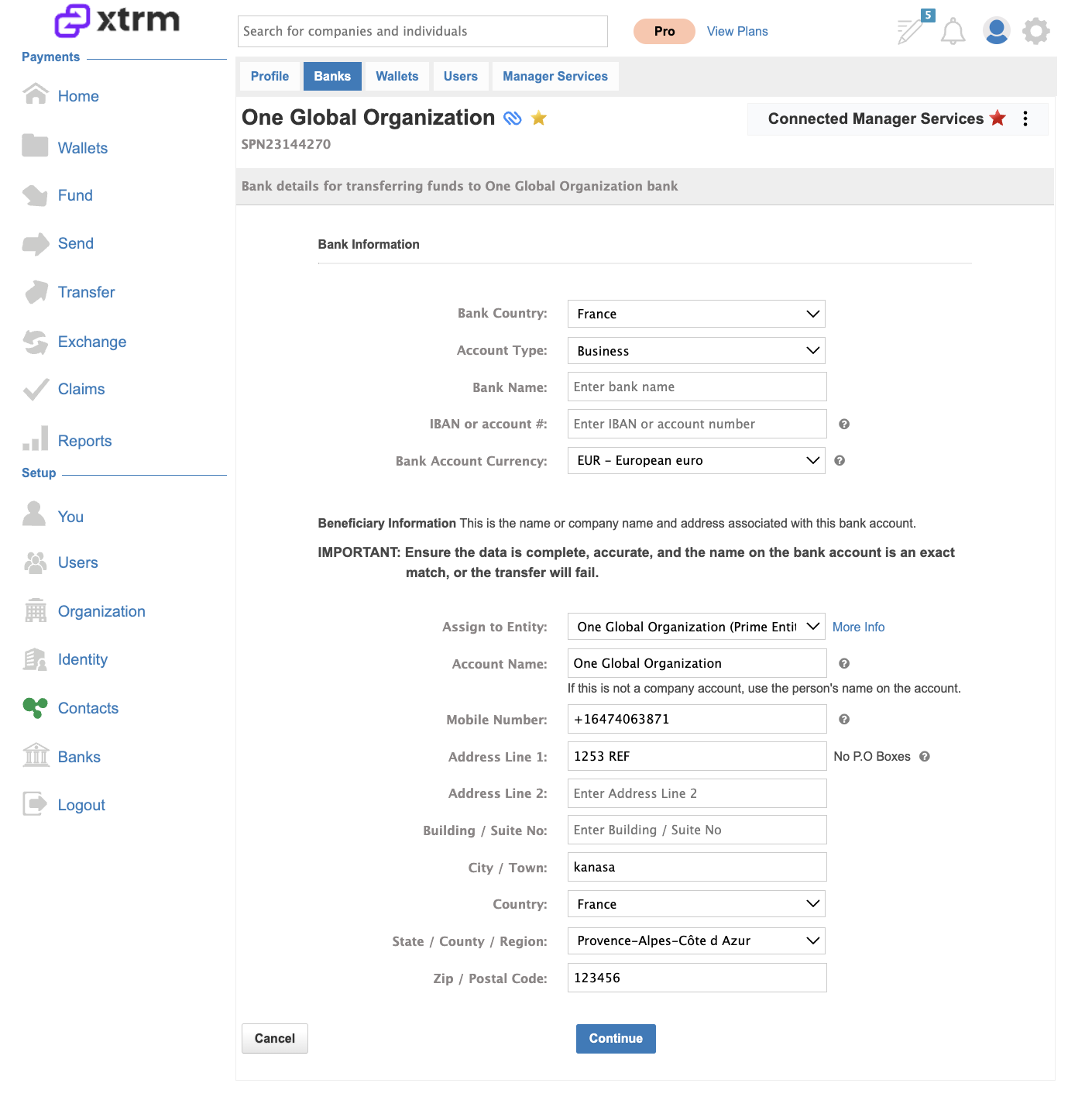
Banking Details: Gather the complete legal account holder name, bank routing number (ABA / Sort Code / BSB), account number, and IBAN/SWIFT code (for non-US accounts).
Follow these steps:
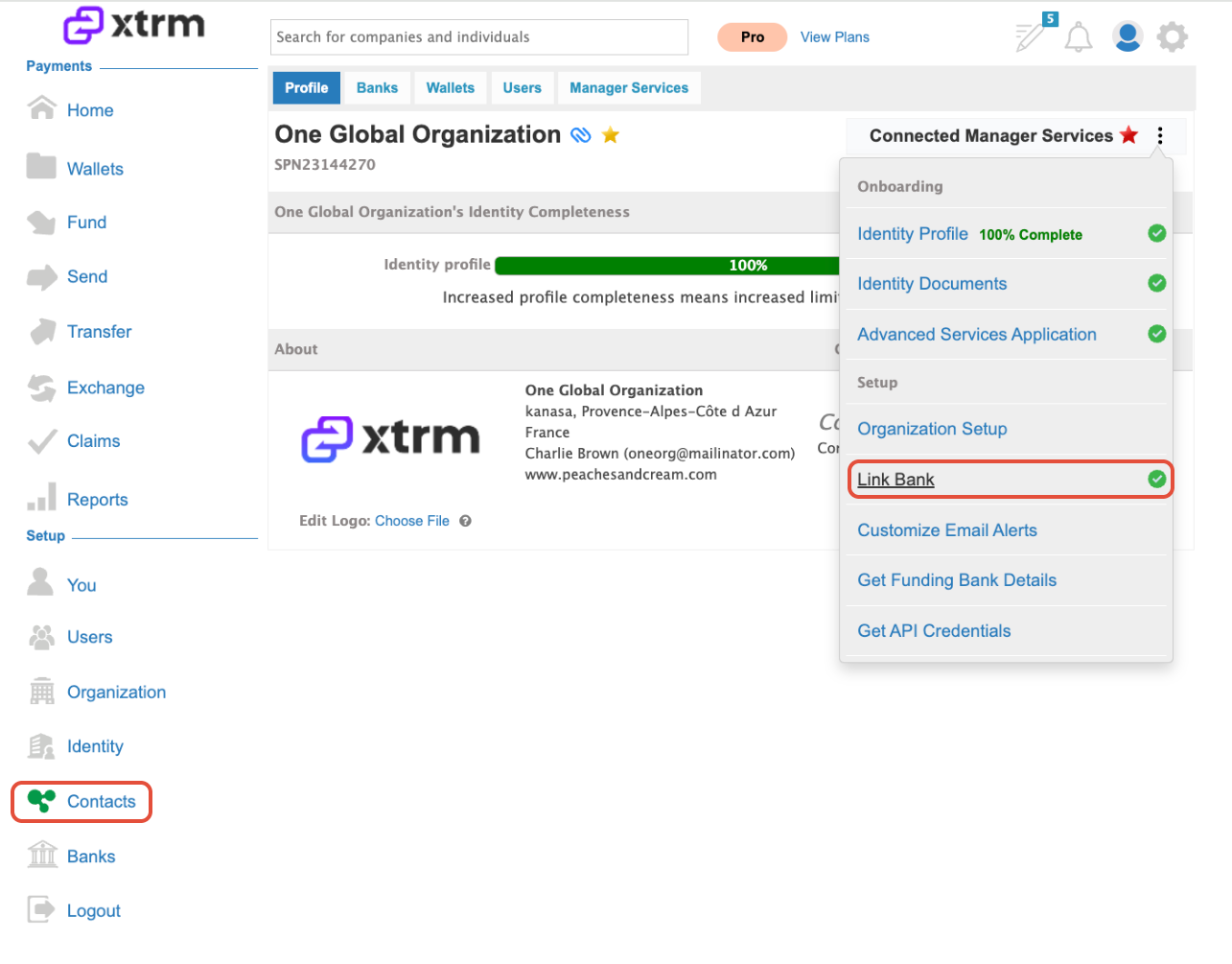
Search for the Account: Navigate to the Contacts menu and search for the company or individual account you want to link a bank for. You can also filter by "Connected" in the dropdown field displayed below.
View Linked Banks: Click on the ellipsis menu (three dots) to view their currently linked banks.
Link a Bank Account: Click the Link Bank Account button to add a new bank account.