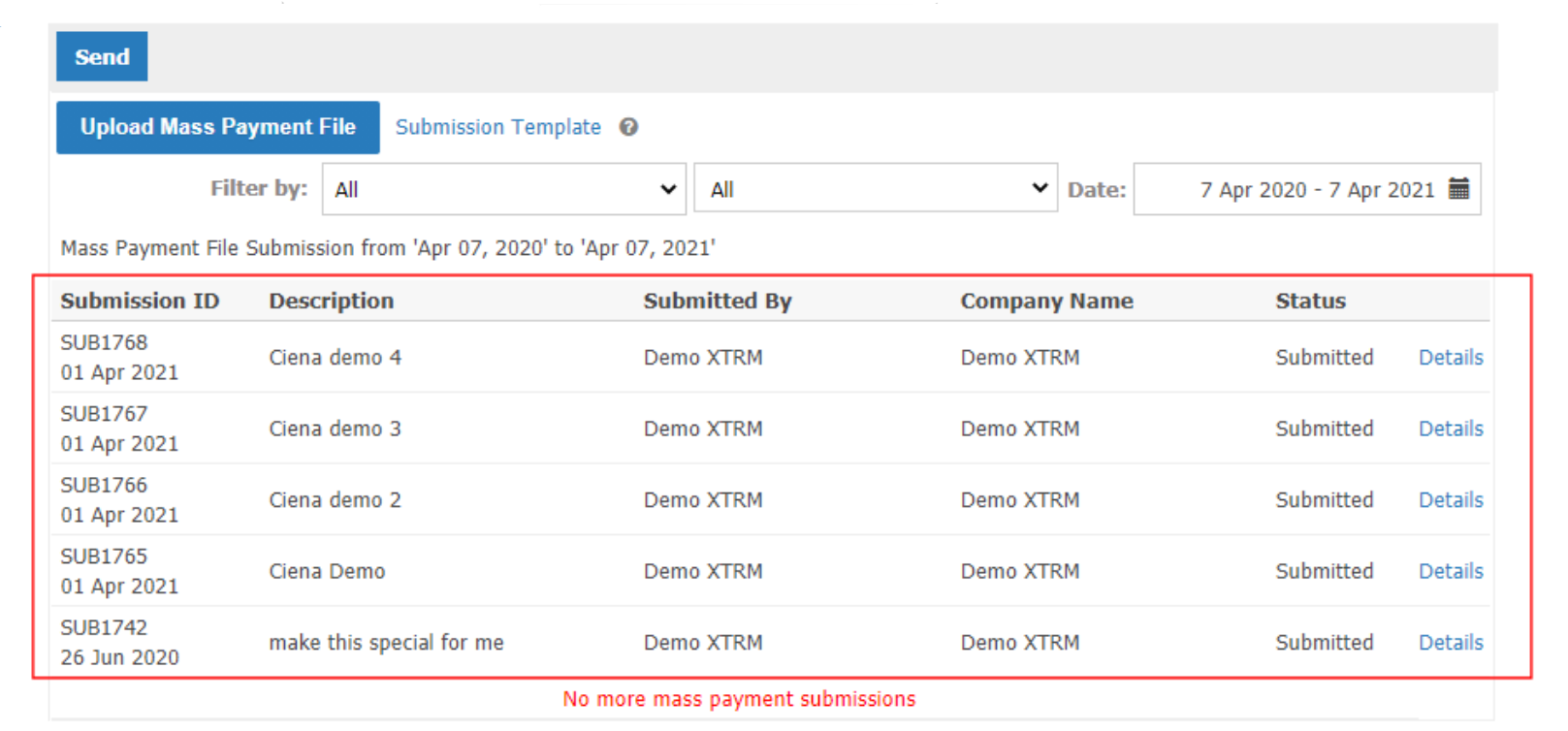
CONMANAGER005 — Submit Connected Company Mass Payment File
Last updated: August 18, 2026
This feature allows managers to submit a mass payment file on behalf of a connected company (customer).
Steps:
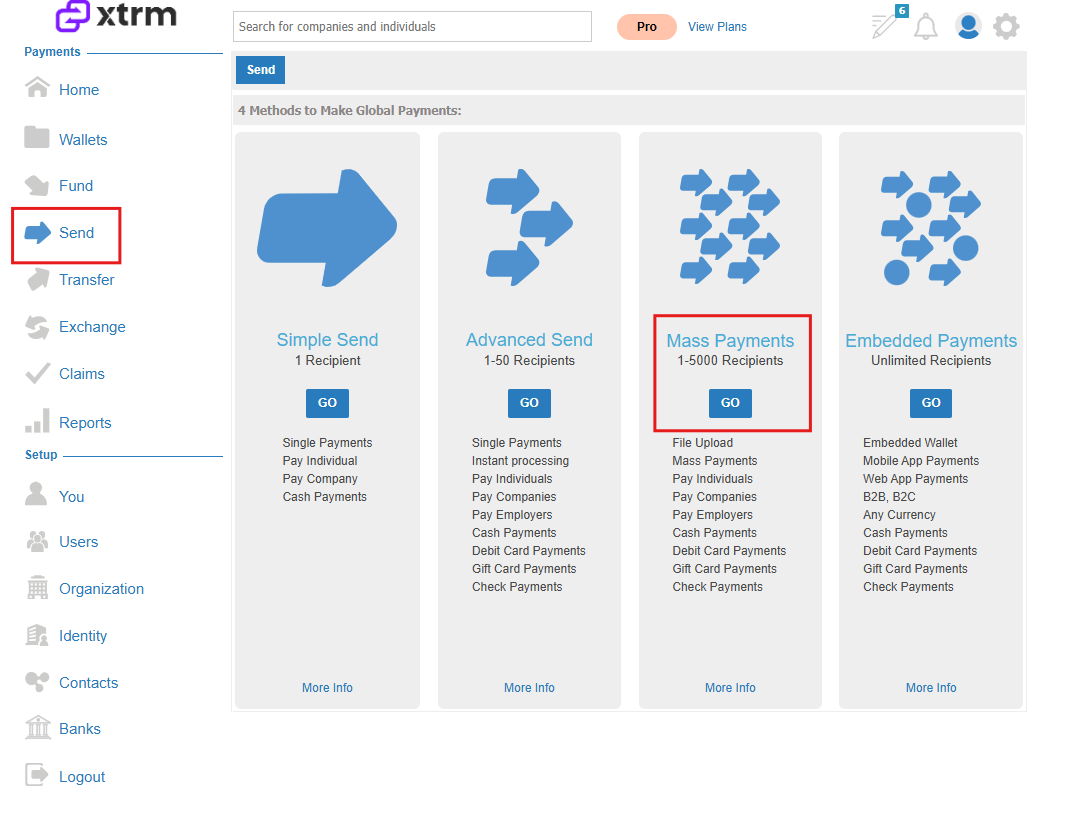
1. Navigate to Mass Payments
- Go to the left-hand menu and select Send, then Mass Payments.
2. Download & Complete Submission Template
- Click on Submission Template to download the Excel spreadsheet from Google Docs.
- Fill out the template with the required information:
- Individuals: Full Name, Email, Payment Method, Amount, Currency.
- Companies: Full Contact Name, Contact Email, Payment Method, Company Name, Amount, Currency, Wallet ID (highly recommended).
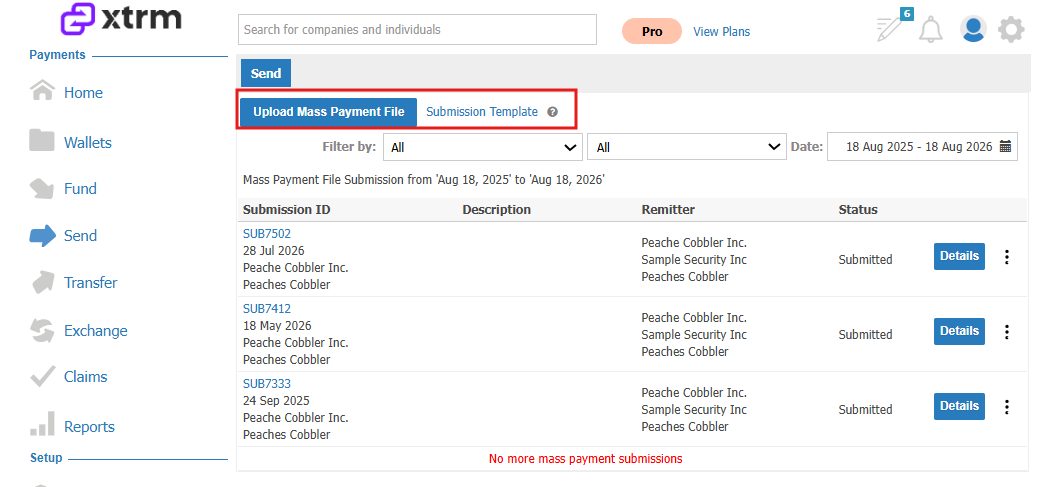
3. Select Connected Company
- Choose the connected company (customer) from the drop-down list.
4. Select Source Wallet
- Choose the source wallet from which the payments will be drawn.
5. Upload & Submit
- Upload the completed mass payment file.
- Click Submit. Payments will be processed within 48 hours if the wallet has sufficient funds; otherwise, an invoice will be issued.
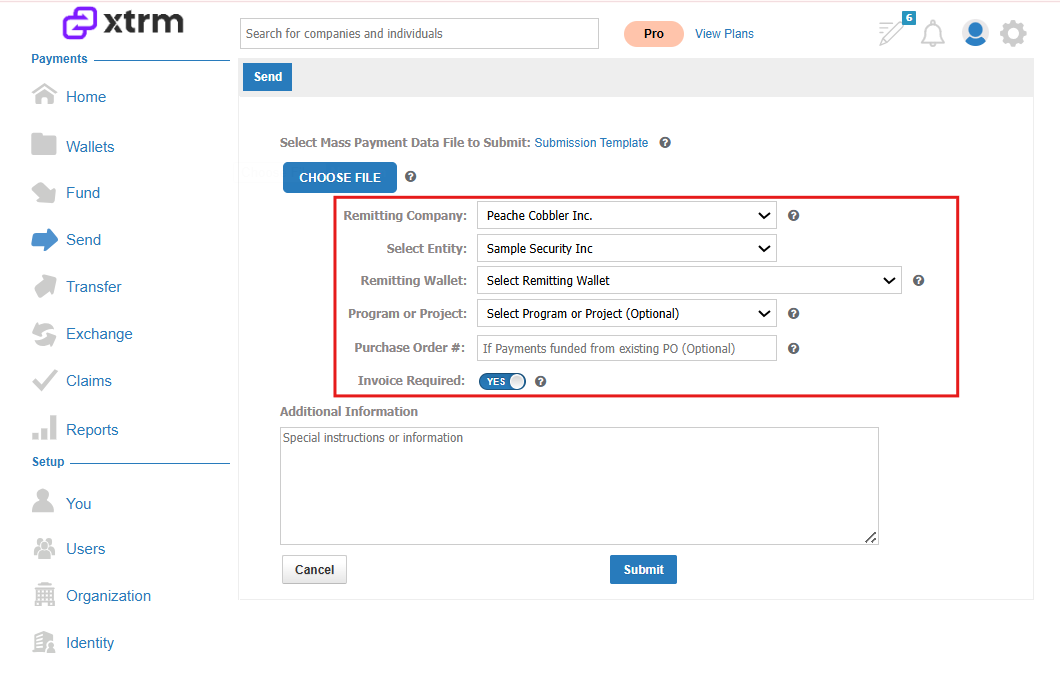
6. Track Status
- You can monitor the status of the submitted file in the platform.