PROD003 — Xtrm API - XAPI
Last updated: August 26, 2026

What is XAPI™?
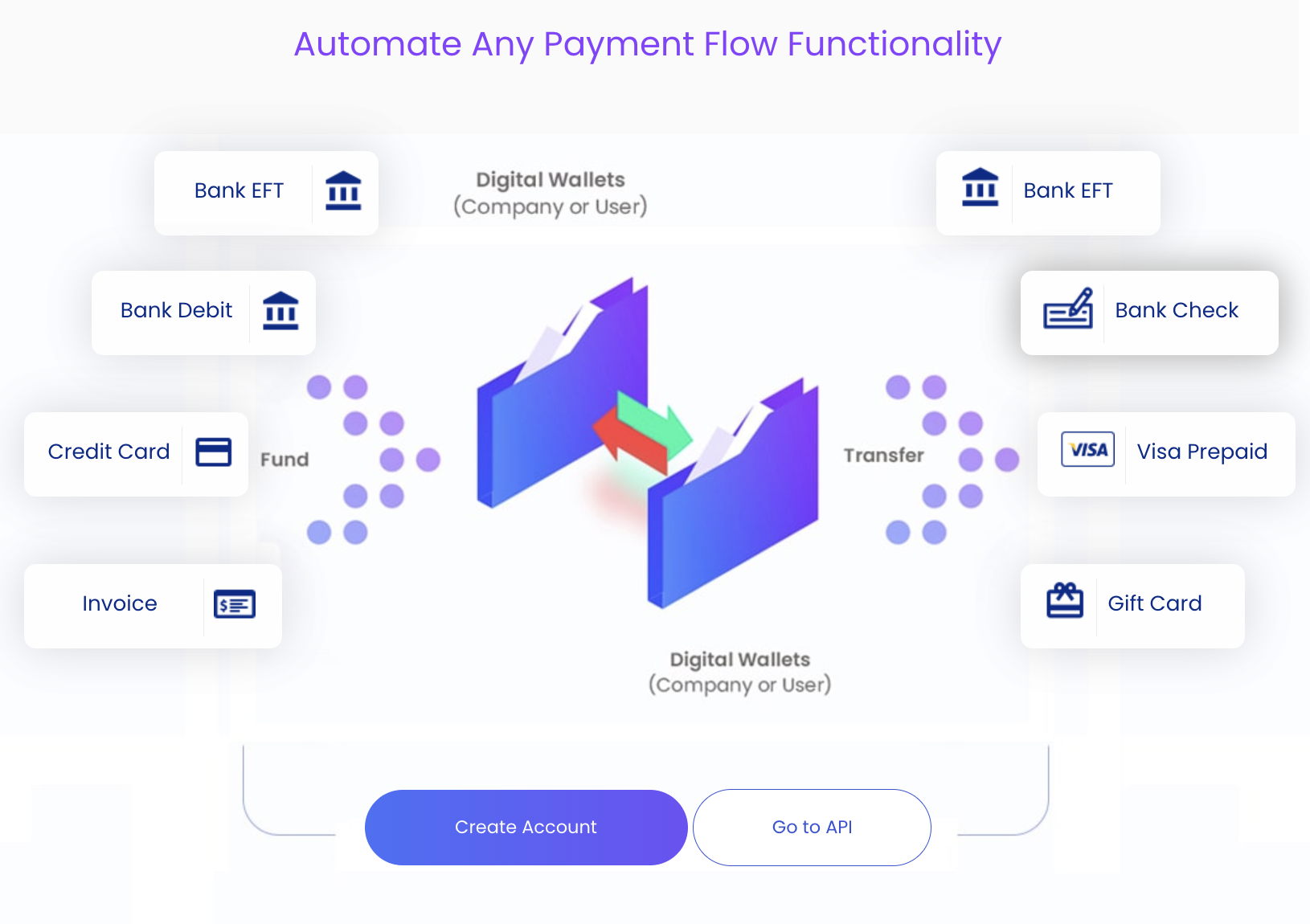
XAPI™ is Xtrm's payments API. It lets developers, platforms, and enterprise software programmatically embed global inbound collections (AnySource™), digital wallet management, and cross-border mass payouts (AnyPay™) directly into custom web or mobile applications.
At a Glance
Full platform coverage. Anything you can do in the Xtrm dashboard — fund, hold, convert, and pay out — you can do over the API.
White-label. Keep your own branding end to end, or hand recipients off to an Xtrm-hosted flow.
Full sandbox. A dedicated test environment for building and validating before you touch production money.
Self-serve or managed. Let your customers and partners self-serve, or manage everything on their behalf.
What You Can Build
Capability | Typical use |
|---|---|
User and beneficiary management | Create and verify payees, store payout preferences |
Wallet operations | Create wallets, check balances, move funds between accounts |
Inbound funding | Collect funds into company or user wallets |
Currency exchange | Convert balances between supported currencies |
Payout execution | Send via bank, wire, prepaid card, or recipient choice |
Tax and compliance | Collect tax forms and retrieve compliance documentation |
Reporting | Pull transaction history and status for reconciliation |
Environments
Dashboard | API base URL | |
|---|---|---|
Sandbox | ||
Production |
The sandbox is a functional replica of production and supports the same endpoints.
Sandbox Behaviour
Two things to know before you test:
No money moves. The sandbox does not execute real payments. A transfer you submit will enter a pending state and stay there — that is expected, not a failed integration.
Test funds are provisioned for you. Once your IP addresses are approved, Xtrm credits your sandbox company account so you can run end-to-end tests.
Authentication and Access
XAPI™ uses API credentials issued per account, combined with IP whitelisting. Requests from an address you have not registered and had approved will be rejected, so plan for this in advance — allow time for approval.
Integration Workflow
Create a sandbox account. Register at sandbox.xtrm.com.
Generate API credentials. In your sandbox dashboard, go to Settings → Integrations → Get Credentials.
Configure IP whitelisting. Submit your servers' outgoing IP addresses for sandbox access approval.
Test your endpoints. Run end-to-end user creation, funding, and payment tests.
Go live. Complete KYB/KYC verification, then swap your sandbox credentials for production API keys.
Developer Resources
API Quickstart Guide — endpoint reference and sample requests
API Test Console — run calls against sandbox without writing code
Sandbox environment — develop, test, and validate before production
Platform status — live service status
Getting Help
Technical and integration questions: apisupport@xtrm.com
Sales and commercial questions: sales@xtrm.com or 1-866-367-9289
Request a call: xtrm.com/requestInfo